First create the custom fields
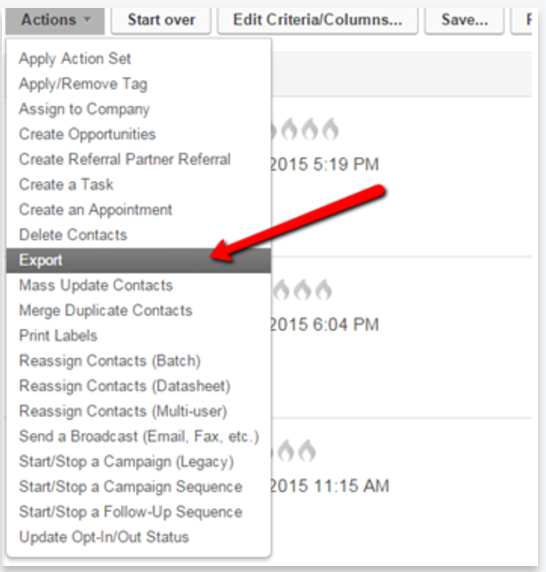
Second export your contacts with their Infusionsoft ID and Contact’s Company Field. In the Exported file add additional columns for each custom field you are creating.

Third use the “Modify Existing Records” to re-import that file and match the Company to the Custom fields and any other information.
https://www.alwayshelpful.org/modify.html
This process would be to update the current contacts with the 3rd party but you can create a different process going forward.
Note the only way to add Company Record information into a contact record is using the Modify Existing Records.
Option - You could create a campaign and use a Diamond to sort contacts by their Company into sequences. The sequence would then use the “Set Field Value” to add that information for you
